
svg-cardio
v1.0.0
Published
A template based SVG playing card generator


Readme
svg-card-i/o
A template based SVG playing card generator.
This tool can generate playing card SVG images from a template and various parameters.
You can change the card width/height, the vertical/horizontal padding, the border width, border radius and inner frame width to receive different outputs like these:



The tool will place the suit symbols precisely in the points seen in this image:

Usage
If you just want to use the pre-generated cards, see svgs/.
To create your own, adjust the dimensions in generateCardDeckFromTemplate.mjs*, and run npm install. This will overwrite the contents of the svgs folder.
Or you can use the tool programmatically like this:
import { generateDeck } from 'svg-cardio';

// see generateAll.mjs for possible values
const templateName = 'emoji';

const template = await import(`svg-cardio/templates/template-${templateName}`);

let svgText = generateDeck({ template, debug: false });
This works in Node or in the browser. See demoPage-inline.html for a usage example.
*I know this is not ideal…
Included templates
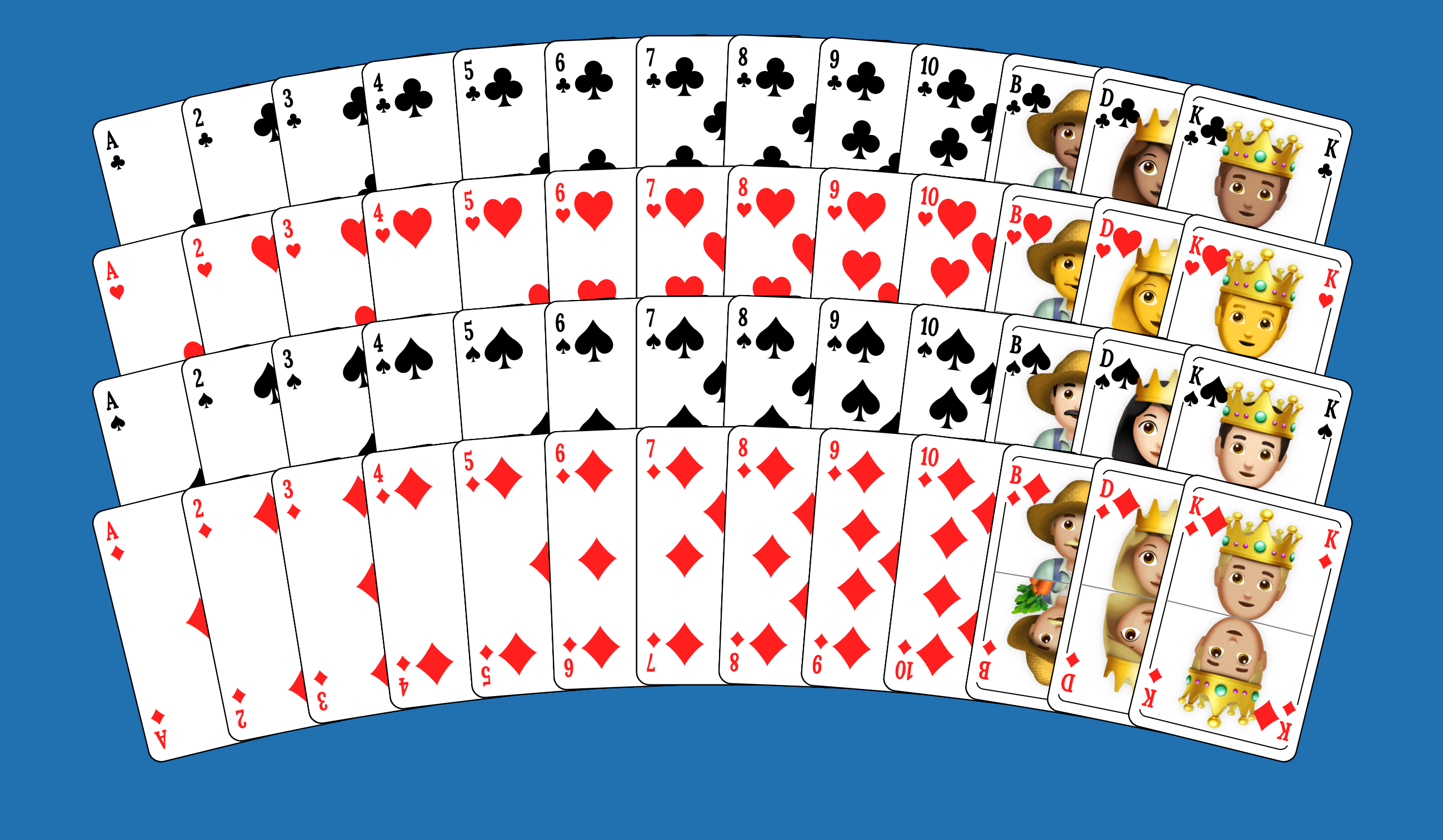
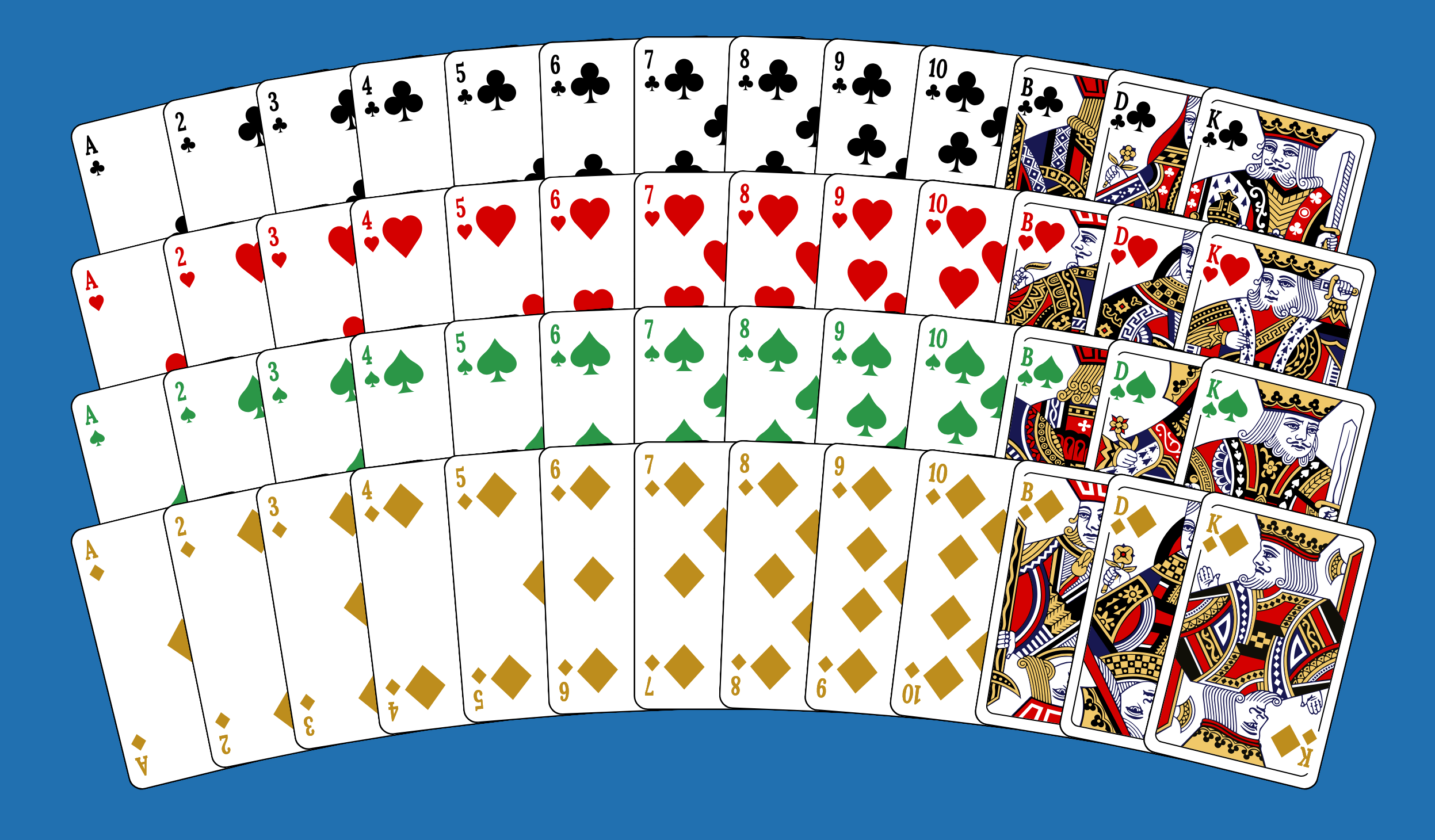
This package comes with 2 card themes, Emoji and Fowler. Both are available with standard suit colors (black, red) or "international" colors (black, red, green, orange).
You will find the cards pre-generated in 60x90mm in the svgs/ folder along with HTML pages to view them.
This package also comes with various card back templates, each available in multiple colors.
See the svgs/ folder for the pre-generated versions in 60x90mm.


See the demo pages [ 1, 2, 3, 4, 5, 6 ] for more colors.
Notice how the patterns align nicely with all edges. As you change the card or padding size, the pattern gets slightly stretched, so it always fits perfectly:


Writing a template
The best way to get started is to duplicate an existing template from the templates folder.
A template file must export a text, a demoPage, a list of suits and a list of figures.
Inside the text you can use placeholders of the form {placeholder} that will be replaced with the corresponding values.
The complete list of available placeholders is borderWidth,
cardValue, cornerRadius, debugMarkup, fontCSS, fontSize, frameBorderWidth, frameGapSize, halfSymbolWidth, horizontalPadding, illustration, innerHeight, innerMaxX, innerMaxY, innerWidth, isDebug, isPicture, suitName, suitSymbolPath, suitSymbolScalingFactor, suitSymbols, totalCardHeight, totalCardWidth, totalSVGHeight, totalSVGWidth, verticalPadding, verticalSymbolOffset, verticalTextOffset, verticalTextOffsetNumber, verticalTextOffsetPicture, viewBox.
Conditionals are available using {?isBoolean}conditionalContent{/isBoolean}.
Apart from placeholder replacement, the tool can also do basic math using the syntax {=1+2}. Other than the standard math operations, it also supports Math.round using the [] symbols. So {=[1.75]} results in the output 2. A sophisticated example from one of the predefined templates:
scale({= {innerWidth}/(11*[{innerWidth}/11]) }, {= {innerHeight}/( 22*[{innerHeight}/22]) })This will calculate scaling factors that fill the available space with an integer count of background elements (which are of size 11x22).