qoq-sequelize
v0.0.26
Published
qoq orm based on [sequelize@6](https://github.com/sequelize/sequelize) that totally rewritten type files to make your logic code stronger.


Readme
qoq-sequelize
qoq orm based on sequelize@6 that totally rewritten type files to make your logic code stronger.




Installation
yarn add qoq-sequelizeYou'll also have to manually install the driver for database from your choice:
# One of the following:
yarn add pg pg-hstore # Postgres
yarn add mysql2
yarn add mariadb
yarn add sqlite3
yarn add tedious # Microsoft SQL Server
Remember DO NOT install package ~~sequelize~~ and ~~sequelize-cli~~ by yourself!
Full documents
Just see the sequelize website, and take a second please to see the minimum engine version which are supported by sequelize.
What's the difference?
Initialization
Before
import { Sequelize } from 'sequelize';

export const sequelize = new Sequelize({
  dialect: 'sqlite',
  ...
});
After
import { Sequelize } from 'qoq-sequelize';

export const sequelize = new Sequelize({
  modelsPath: './src/models', // optional
  migrationsPath: './src/migrations', // optional
  seedersPath: './src/seeders', // optional
  dialect: 'sqlite',
  ...
});
Attributes
Before
export const User = sequelize.define('User', {
  id: {
    type: DataType.INTEGER,
    primaryKey: true,
  },
  name: {
    type: DataType.VARCHAR,
    allowNull: false,
  },
});
After
import { defineModel, column } from 'qoq-sequelize';

export const User = defineModel({
  attributes: {
    id: column.int.primaryKey(),
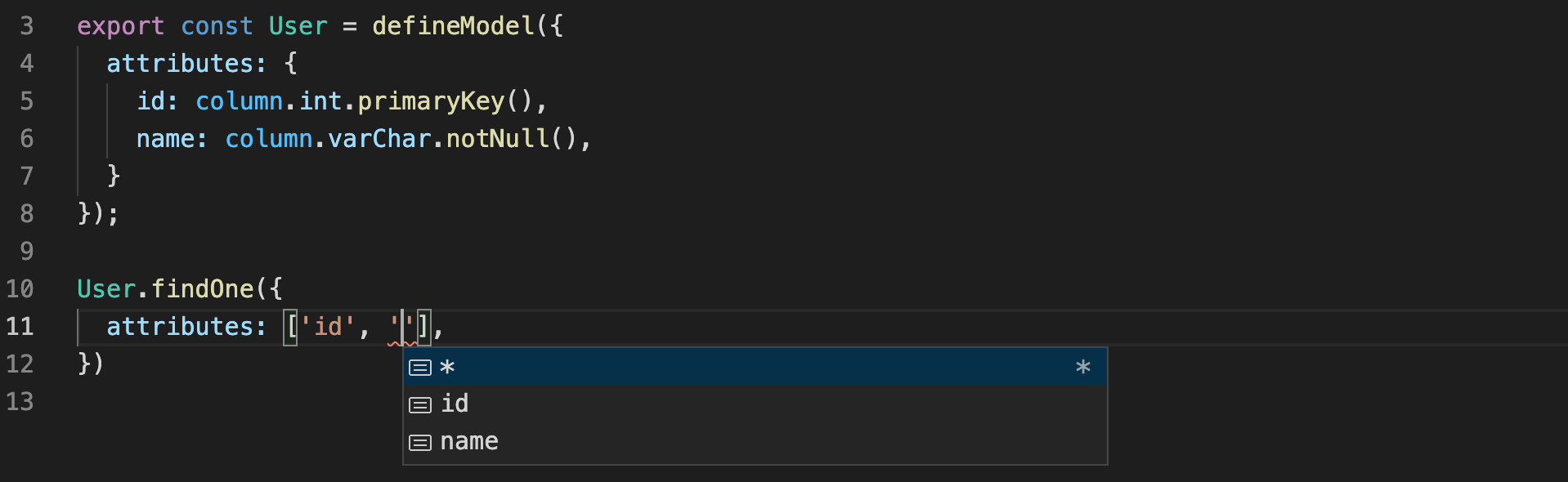
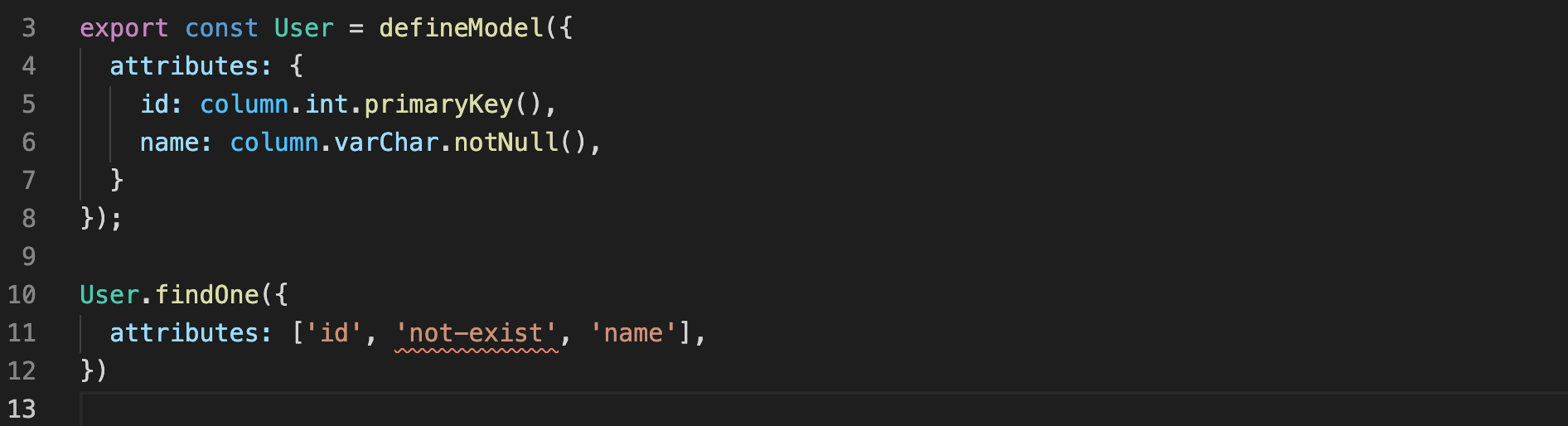
    name: column.varChar.notNull(),
  },
});
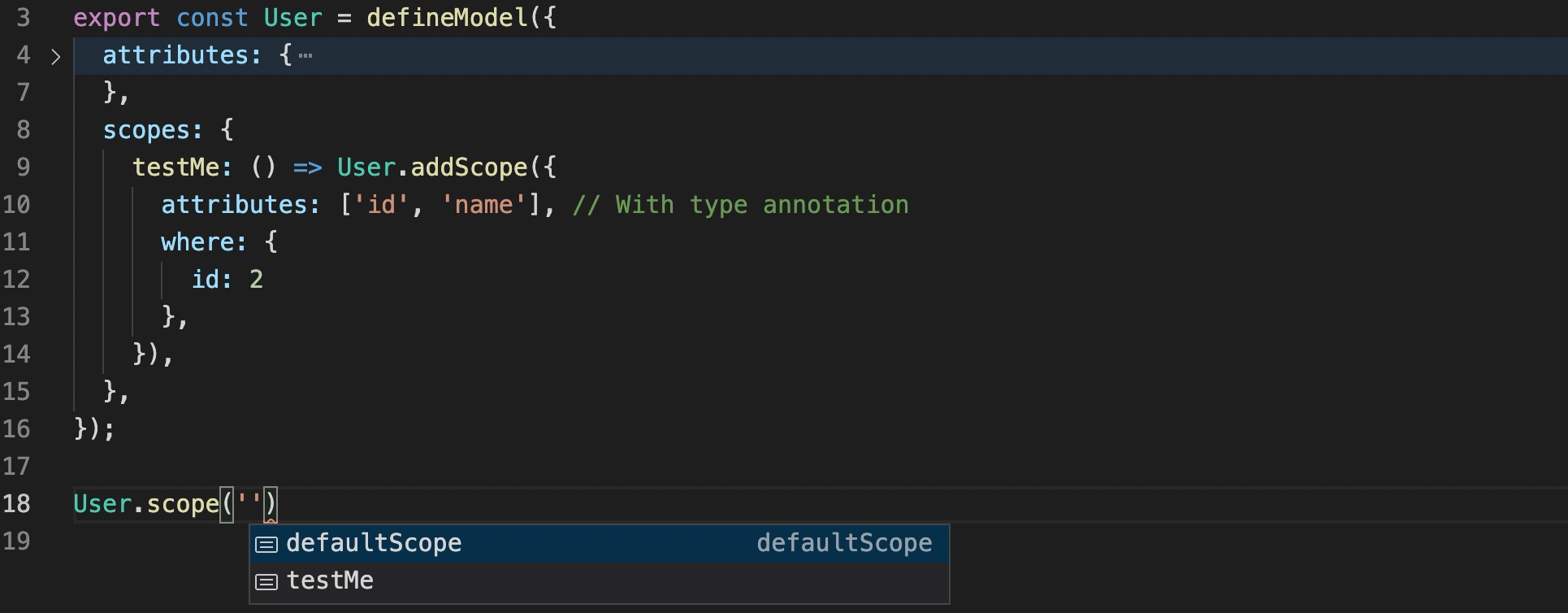
What amazing things will happen next?
Scopes
Before
const User = sequelize.define('User', {}, {
  scopes: {
    testMe: {
      attributes: ['id', 'name']
      where: {
        id: 2,
      },
    }
  },
});
After
export const User = defineModel({
  scopes: {
    testMe: () =>
      User.addScope({
        attributes: ['id', 'name'], // With type annotation
        where: {
          id: 2,
        },
      }),
  },
});
What amazing things will happen next?
Associations
Before
// Project.ts
export const Project = defineModel('Project', {
  id: {
    type: DataType.INTEGER,
    primaryKey: true,
  },
  user_id: {
    type: DataType.INTEGER,
    allowNull: false,
  },
  title: {
    type: DataType.STRING,
    allowNull: false,
  },
});

// User.ts
export const User = defineModel('User', {});

User.hasMany(Project, {
  sourceKey: 'id',
  foreignKey: 'user_id',
  as: 'projects',
});
After
// Project.ts
export const Project = defineModel({
  attributes: {
    id: column.int.primaryKey().autoIncrement(),
    user_id: column.int.notNull(),
    title: column.varChar.notNull(),
  },
});

// User.ts
export const User = defineModel({
  associations: {
    projects: () =>
      User.hasMany(Project, {
        sourceKey: 'id',
        foreignKey: 'user_id',
      }),
  },
});
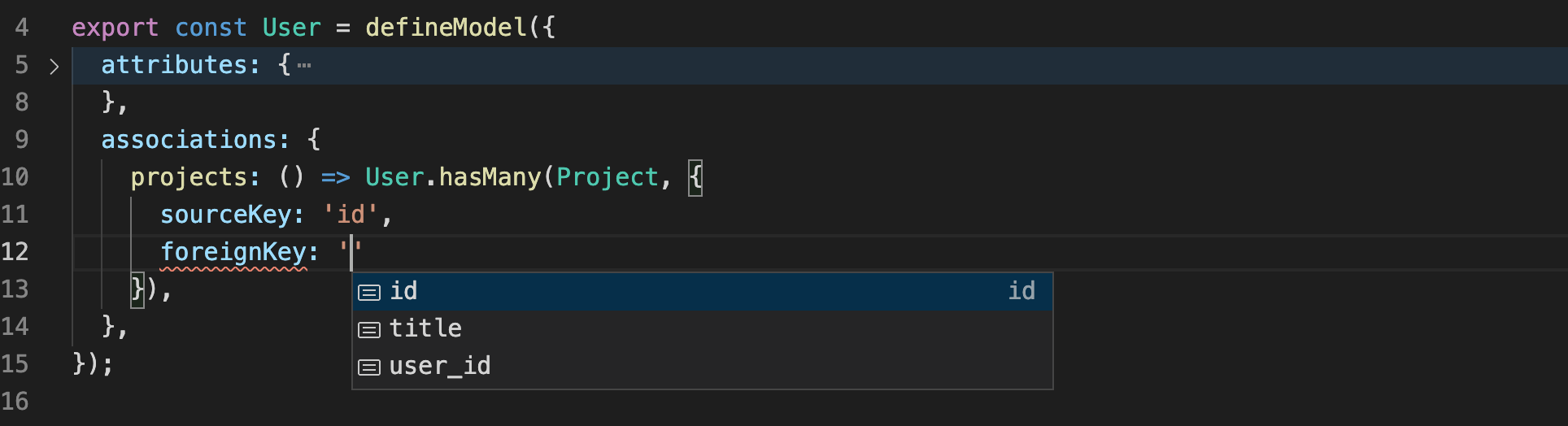
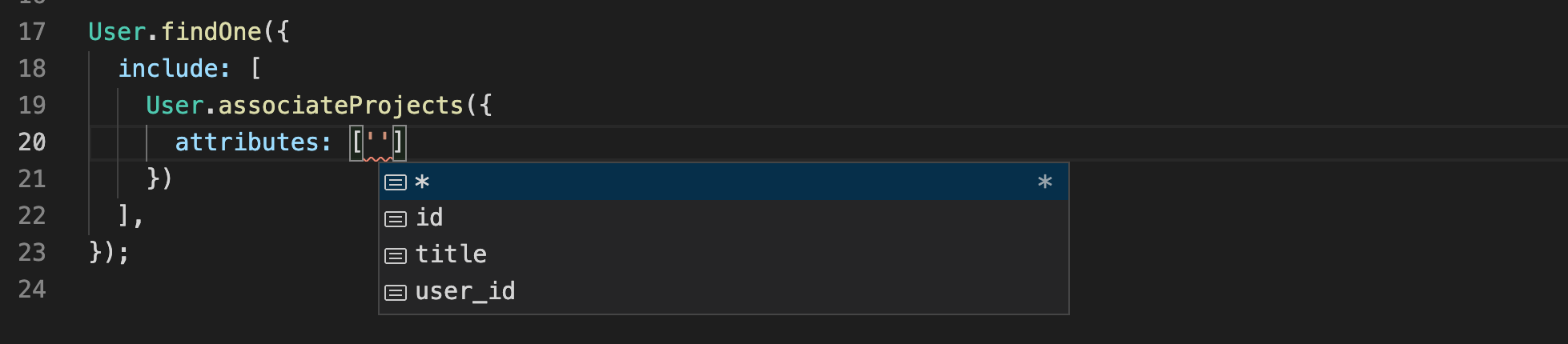
What amazing things will happen next?

BelongsToMany
// UserProject.ts
export const UserProject = defineModel({
  attributes: {
    user_id: column.int.notNull(),
    project_id: column.int.notNull(),
  },
});

// User.ts
export const User = defineModel({
  associations: {
    projects: () =>
      User.belongsToMany(Project, {
        through: UserProject,
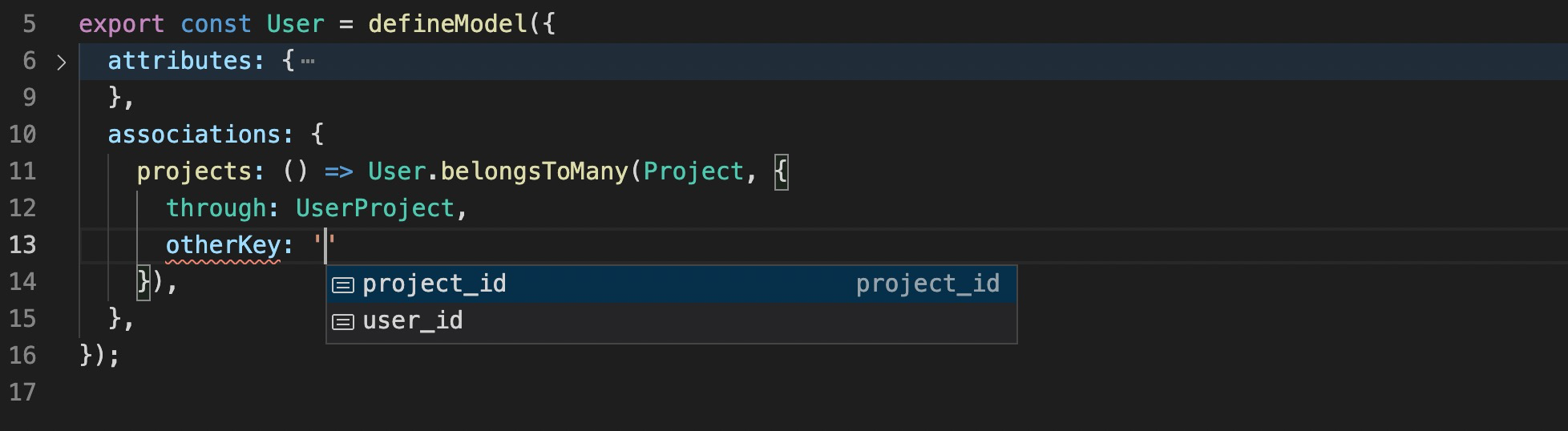
        otherKey: 'project_id',
      }),
  },
});
What amazing things will happen next?