js-cut-image
v0.0.6
Published
Image cutting library

Maintainers
 hsk.coder
Readme
JS Cut Image
A lib for cutting an image by specific color line in browsers.
Installing
Using npm:
npm install js-cut-image
or using yarn:
yarn add js-cut-image
Functions
cutImageByColorLine(image url, [r, g, b], deviation, percentage criterion, CUT_DIRECTION_TOP | CUT_DIRECTION_BOTTOM | CUT_DIRECTION_LEFT | CUT_DIRECTION_RIGHT, CUT_FIND_FIRST_LINE_OVER | CUT_FIND_FIRST_LINE_UNDER | CUT_FIND_LAST_LINE_OVER | CUT_FIND_LAST_LINE_UNDER)
It returns cutted image url. If there is an error or it doesn't find the specific color line, It returns null.
cutImageByColorLine(
  imgUrl,
  [255, 255, 255],
  5,
  70,
  CUT_DIRECTION_TOP,
  CUT_FIND_FIRST_LINE_OVER
);
It means that search from top to bottom and when find a line that includes white color( but It's okay from -5 to +5 from the criterion number) over 70% of a line, remove from first line to the line.
Example
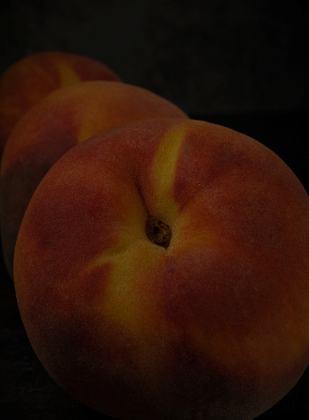
Let's say. We have the image and want to remove black colors of the image.
import {
  cutImageByColorLine,
  CUT_DIRECTION_TOP,
  CUT_DIRECTION_BOTTOM,
  CUT_DIRECTION_LEFT,
  CUT_DIRECTION_RIGHT,
  CUT_FIND_FIRST_LINE_OVER,
  CUT_FIND_LAST_LINE_UNDER,
} from 'js-cut-image';

...

let cuttedImgUrl = await cutImageByColorLine(
  imgUrl,
  [0, 0, 0],
  10,
  70,
  CUT_DIRECTION_TOP,
  CUT_FIND_LAST_LINE_UNDER
);
cuttedImgUrl = await cutImageByColorLine(
  cuttedImgUrl,
  [0, 0, 0],
  10,
  70,
  CUT_DIRECTION_LEFT,
  CUT_FIND_LAST_LINE_UNDER
);
cuttedImgUrl = await cutImageByColorLine(
  cuttedImgUrl,
  [0, 0, 0],
  10,
  70,
  CUT_DIRECTION_RIGHT,
  CUT_FIND_LAST_LINE_UNDER
);
cuttedImgUrl = await cutImageByColorLine(
  cuttedImgUrl,
  [0, 0, 0],
  10,
  70,
  CUT_DIRECTION_BOTTOM,
  CUT_FIND_LAST_LINE_UNDER
);
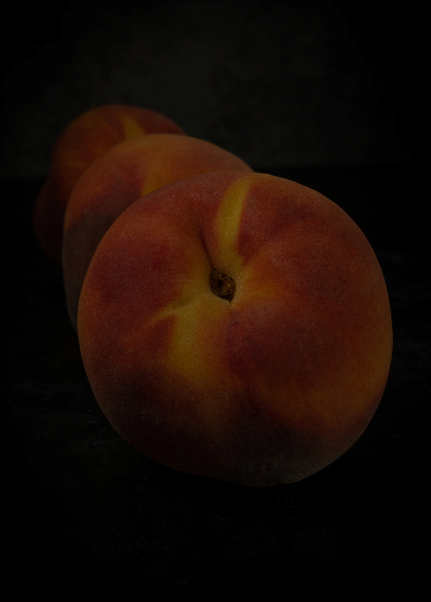
After executing the code, The image will be changed like this.