
@taromero/latte
v1.0.2
Published
Testing framework to run mocha-esque specs on Meteor apps.


Readme
Latte


What
Testing framework to run mocha-esque specs on Meteor apps., without the need of using Velocity.
Motivation
The aim of this project is to provide a minimal library to just run specs mocha-style, upon running a command.
How to use
npm install latte. For how to install it as a devDependency check below.npm install chai. Latte needs an assertion library, and I've been using ChaiJS.- Write a spec anywhere in a server directory.
- Somewhere in the code (before loading the test files):
  const latte = require('latte')
Meteor.startup(() => latte.test())- On the command line, run:
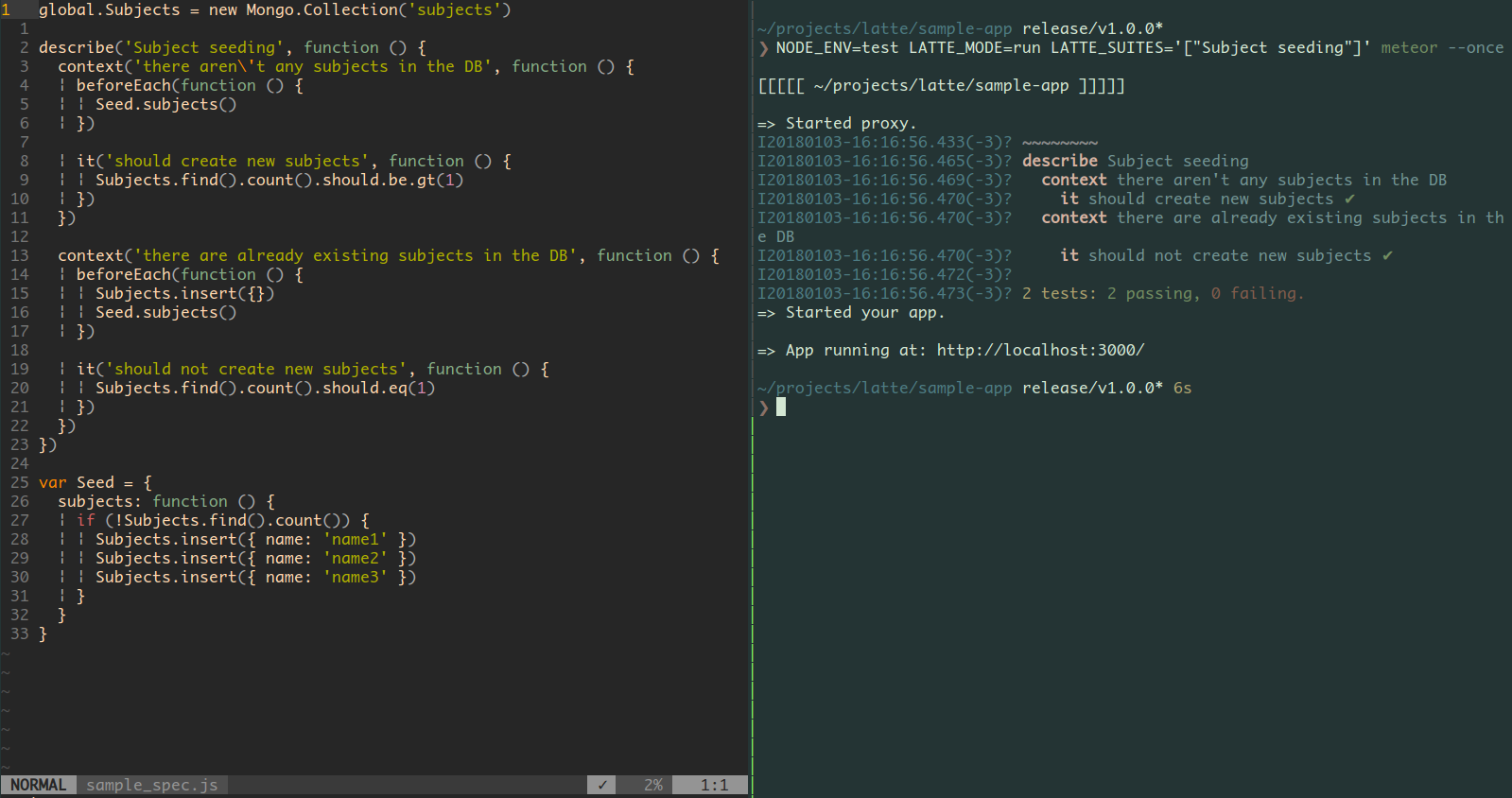
NODE_ENV=test LATTE_MODE=run meteor --once.
For examples, check sample-app/.
How to install as devDependencies
Meteor filters devDependencies when building, for either production or development modes, so using latte (and eventually chai) as npm devDependencies requires a workaround, by running the test command instead of the run one:
NODE_ENV=test LATTE_MODE=run meteor test --once --driver-package meteor-base
test makes it mandatory to set a Meteor package as a the --driver-package param. Right now it seems you can use meteor-base (or other package declared at .meteor/packages). This is just a workaround, as setting a random package on this parameter doesn't seem to have other effect than preventing the test command from failing.
Workflow
Development (watch-mode)
- Run
NODE_ENV=test LATTE_MODE=watch meteor. - Write your specs. You'll likely want to use
ddescribeto only run that test until you get it right. - Watch the tests run. If you are using Meteor v1.5+ the code reload should be fast.
- Fix your code or tests until they are ok.
CI (single-run-mode)
- Write your specs.
- Run
NODE_ENV=test LATTE_MODE=run meteor --once. - Watch test report.
- Check the exit code to mark the build state.
Highlights
- It runs inside
Meteor's context(any variable that is available when running the app is available on the tests). - It connects to a
separate DBfrom development's one (though on the same Mongo server). You can specify which DB to use by setting T.testingDbName. The default ismeteor_latte. And switches back to develop's db after running tests. - It
cleans up the databaseupon start, and after running each describe block. So the DB state is clean for each test block. - Simple (yet nice?)
console based report.
Run selected tests
2 selection options:
ddescribe. This can only be used on unnested describe blocks at the moment.iit. This can be used on anyitblock.
Also, you can select specific/s suites from the command line. To do so, you must put a label for the suites you want to include/exclude. Usage example:
describe('a suite name', function() { ... })From the command line:
- run only a list a suites:
NODE_ENV=test LATTE_MODE=run LATTE_SUITES='["a suite name"]' meteor --once. - run all but a list a suites:
NODE_ENV=test LATTE_MODE=run LATTE_SUITES='["~a suite name"]' meteor --once.
Gotchas
afterEachmust be declared beforeitblocks in eachdescribeorcontextblock.- Cannot run assertions inside
beforeorafterblocks. - Initially designed to work only on server side.
- If the internet connection is flaky, it might take some seconds to end the Meteor process (this is due to some Meteor's internals).
Original motivation
https://slides.com/canotto90/deck