@imgiitr/omniport-setup-cli
v0.1.0
Published
Setup Omniport in hassle-free manner
Downloads
3


Readme
The CLI of the one true portal for any and every educational institute
Omniport Setup CLI
This is the CLI built to ease setting up Omniport.
Technological stack
- Language:
Javascript - Runtime Environment:
Node.jsA Dockerised setup is the preferred mode of installation. We provide one such on our GitHub account. This CLI aims to do all the work for you to avoid suffering any possible headbanging, cursing, and physical or mental pain.
Contribution guidelines
- Fork the repository to your account.
- Branch out to
a_meaningful_branch_name. - Send in a
WIP: Pull request. - Commit your changes.
- Add your name to
CONTRIBUTORS.md. - Get your pull request merged.
It's that simple!
Setup Instructions
To install the cli navigate to the cloned repository and use the command
npm install -g .This installs the Omniport-CLI globally. You can use the following commands
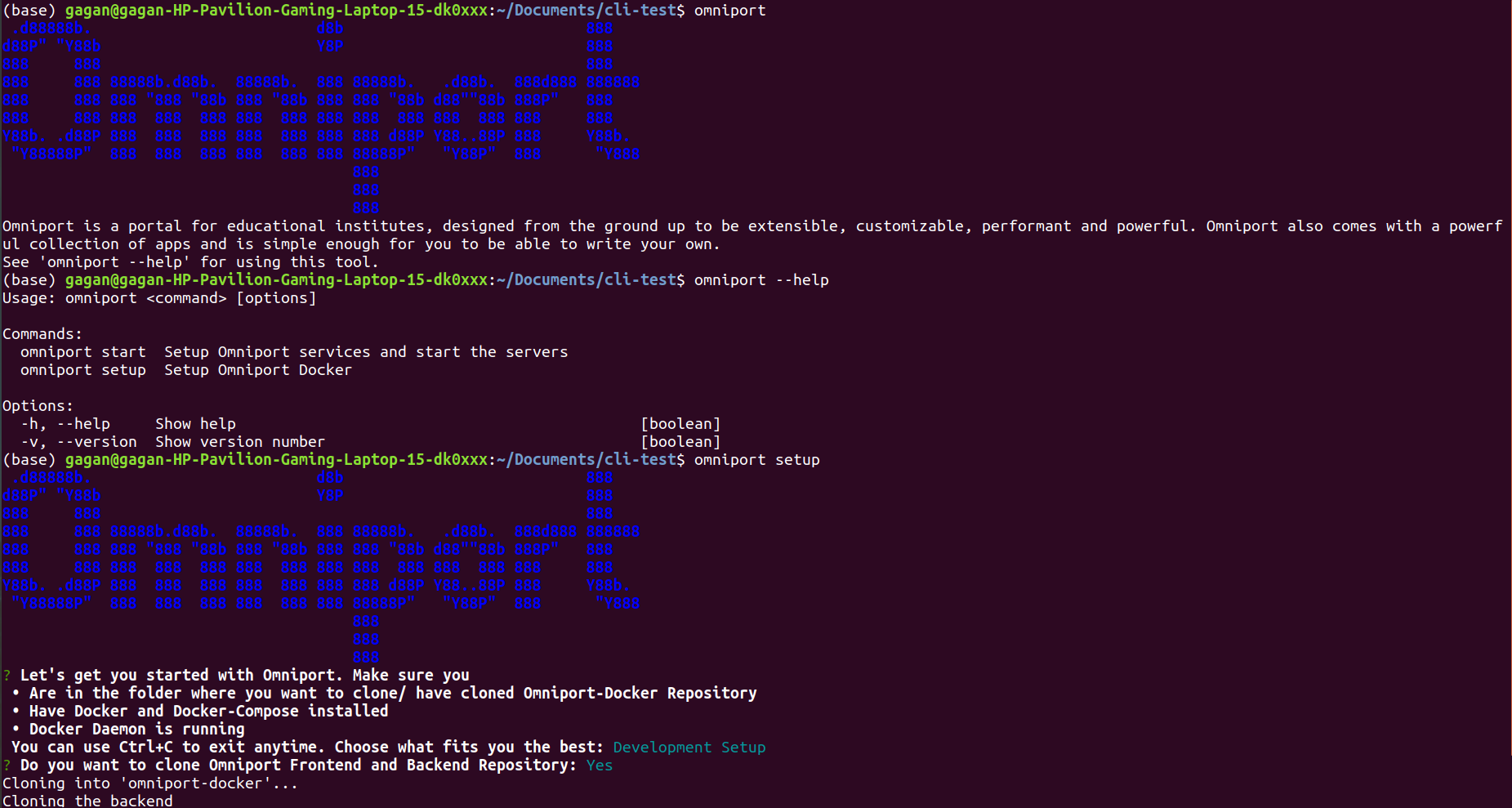
omniportGives a brief introduction to Omniport.
omniport -homniport --helpGives a help menu on how to use omniport-cli.
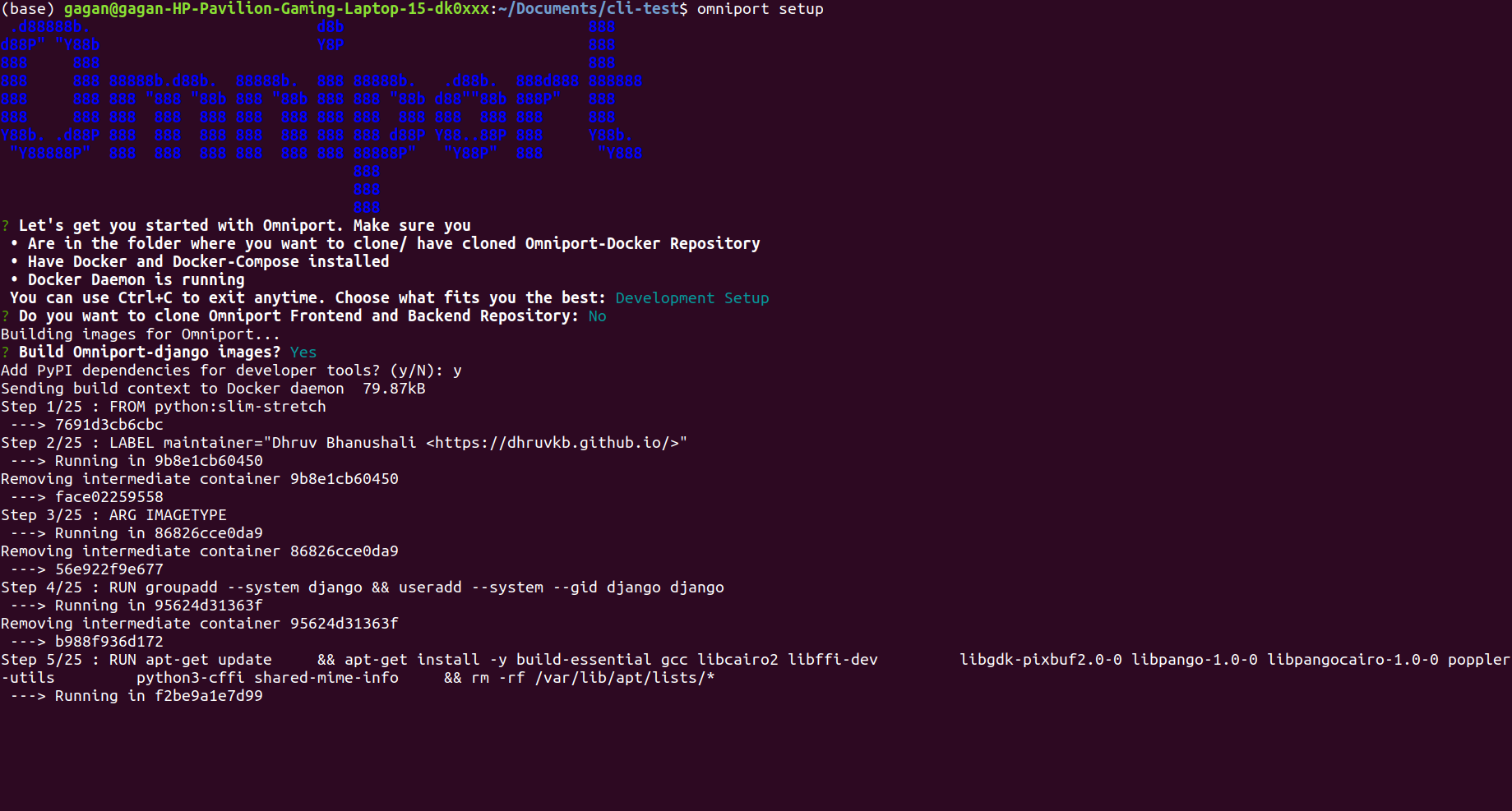
omniport setupSetup Omniport Docker
omniport startStart front-end and back-end servers.
Working Example
Basic Commands
 Interactive Setup
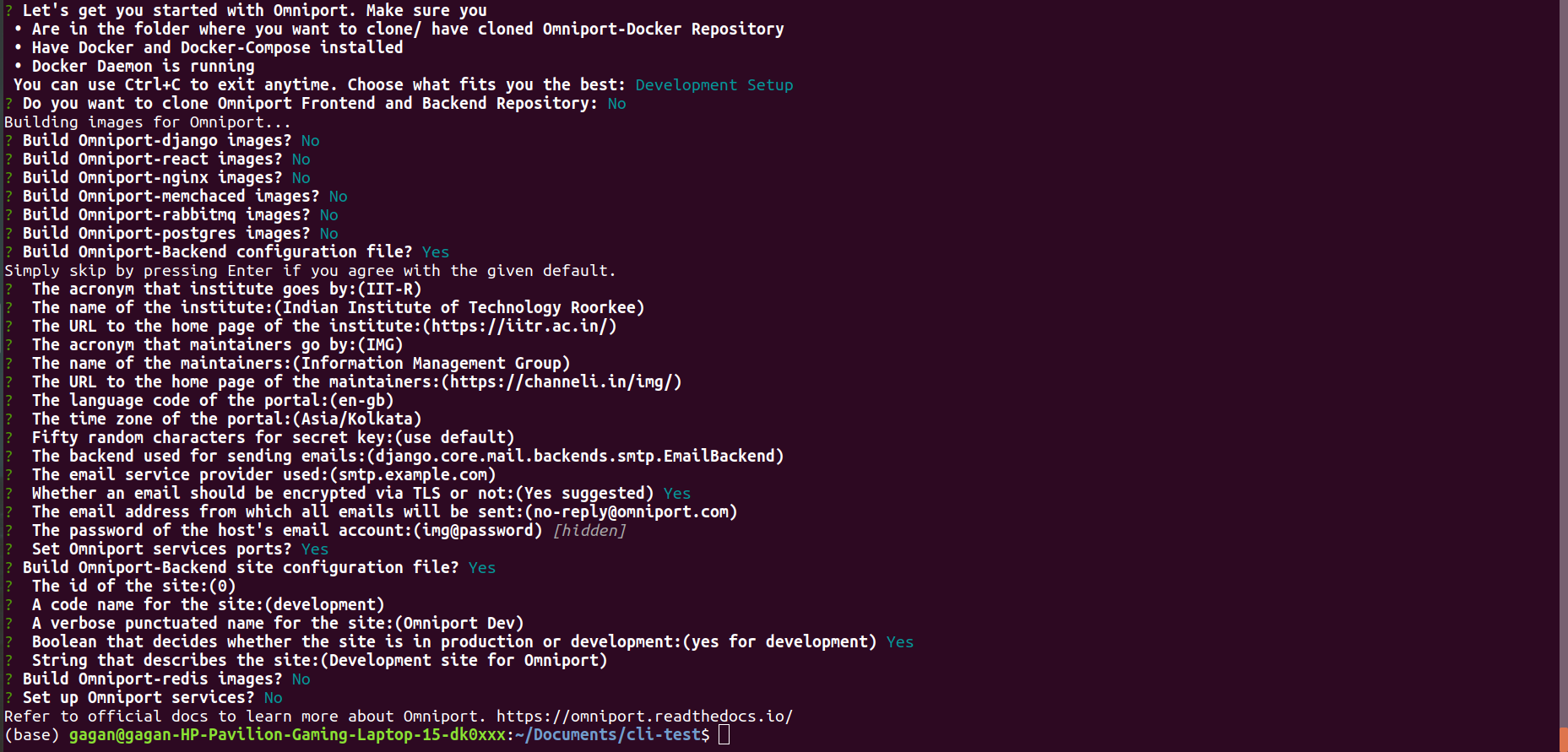
 Questions Format
 Omniport Start Command
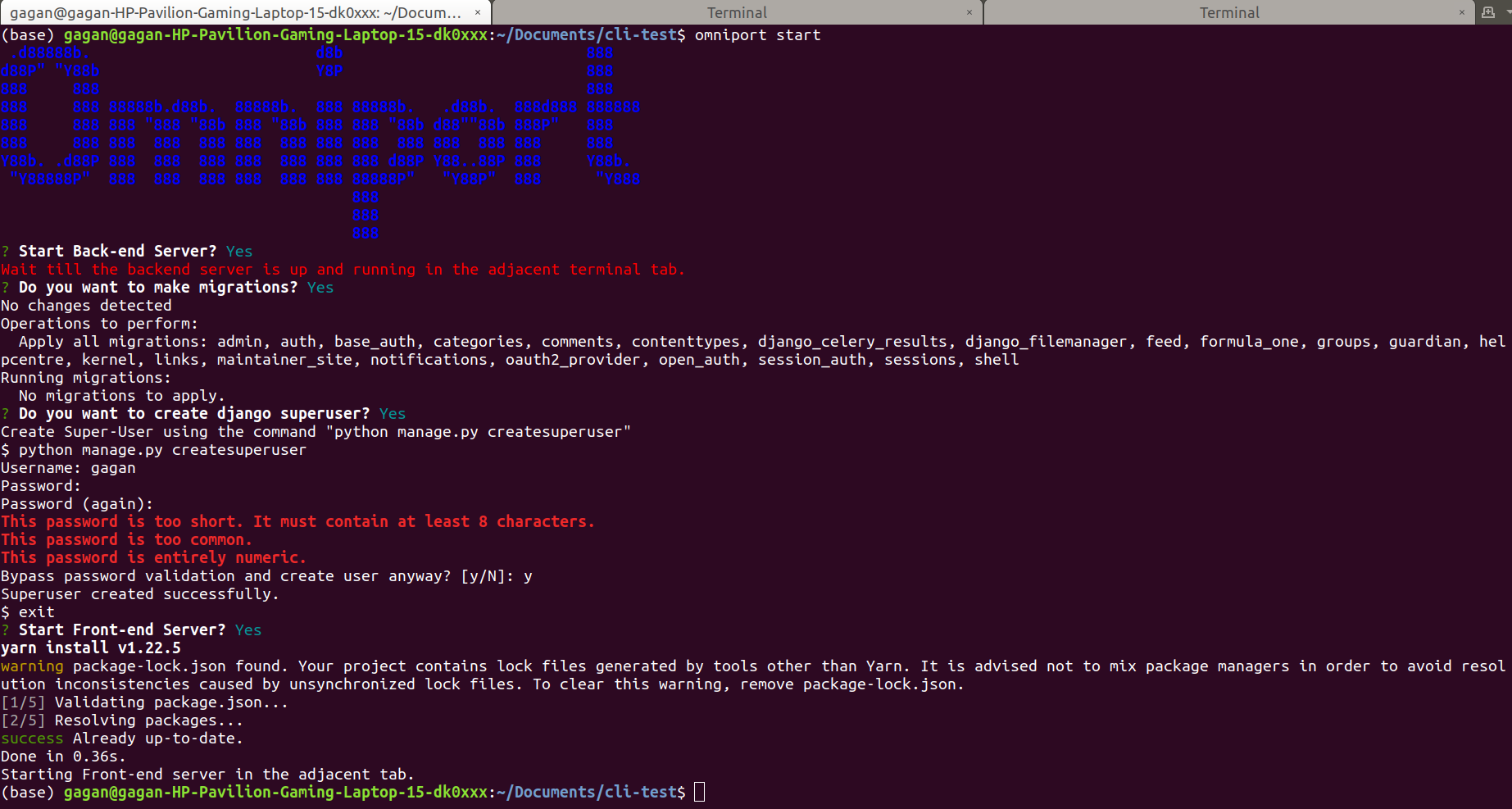 Backend Server
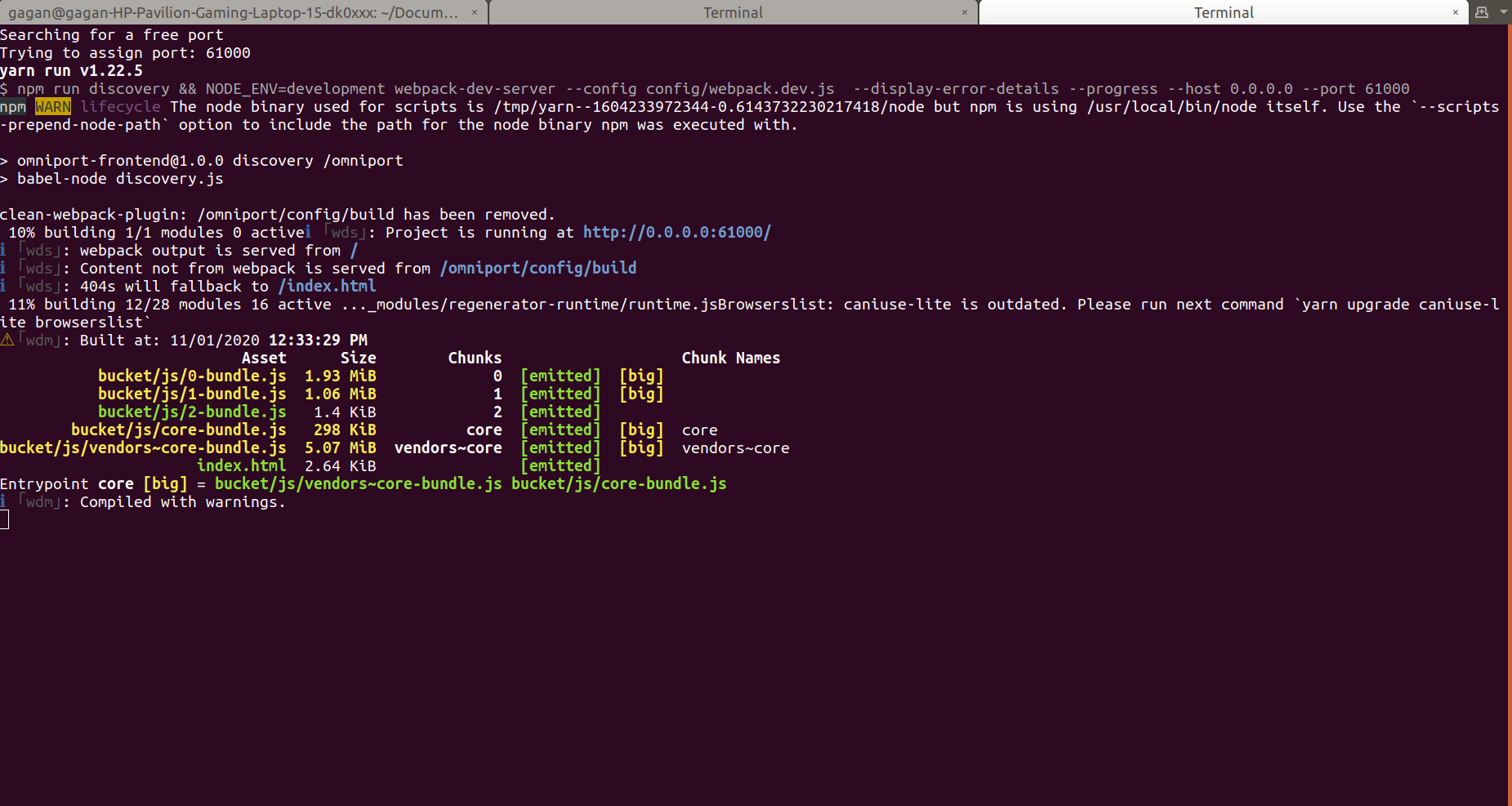
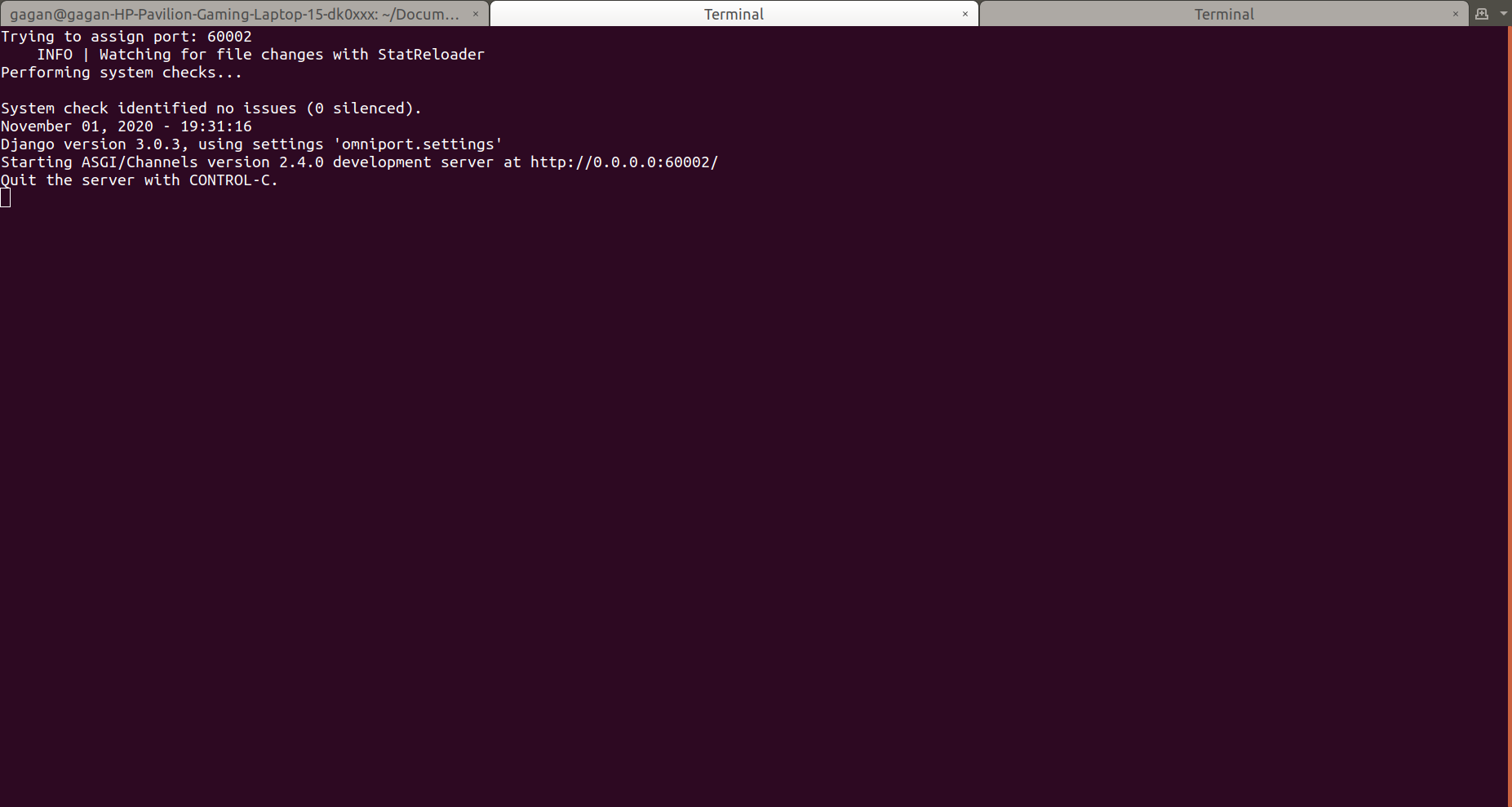 Frontend Server